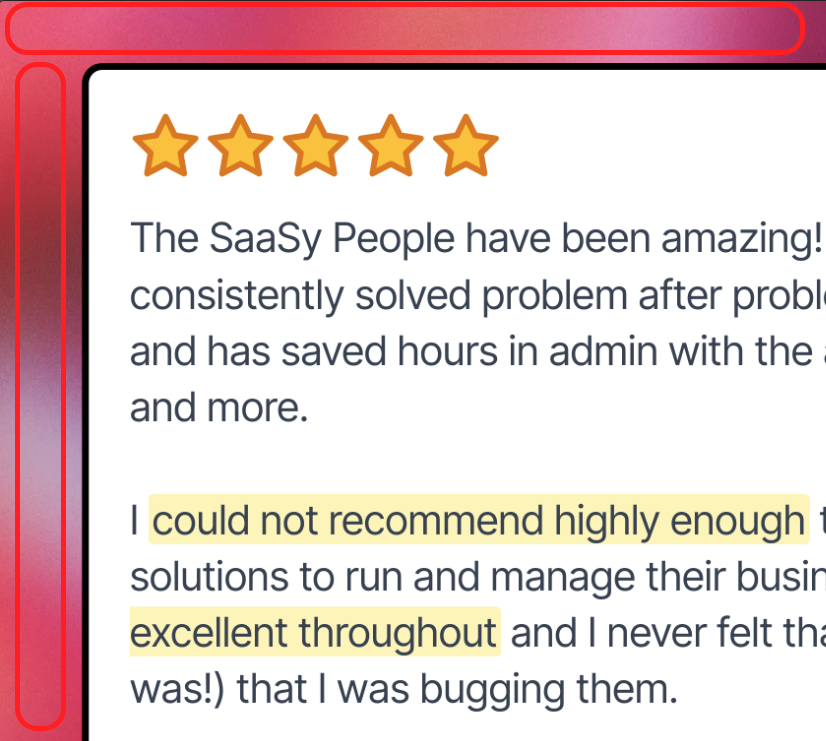
While there are a great number of choices for solid colours and patterns, the ability to choose a custom colour and/or upload a custom background for images would be very useful.
Following up on this, you can actually add a custom image as a background.
Open the Image editor and select your testimonial
Select your template
Go to Background, select Image from the Background Style dropdown
Click Upload Image
I’m closing this ticket. If you have more questions, drop us a message on support@senja.io.
Rani - Senja Support & Ops
Igor Butnaru
•
Apr 9
Hey @Reece, glad Rava's workaround helped!
Being able to upload a custom background image directly in Studio would make this a lot smoother. Moving to discussion so others can upvote!
Igor - Senja Support 💟
Rava
•
Sep 5, 2024
@Reece, I don't know if this would be helpful to you and I might be misunderstanding, especially since I just joined Senja and I'm still looking around to see what's what
What I did is I downloaded an individual testimonial with a transparent background. Which was perfect and great. And then I just put that into Canva and chose my own background and that worked really well
Reece
•
Sep 5, 2024
Thanks @Rava, that does indeed do the trick - it just adds a few extra steps that can hopefully be removed once the option for custom colour/image is in the product 😎
Log in to comment and vote
Comments4
Rani
Oct 8
Hey @Reece
Following up on this, you can actually add a custom image as a background.
Open the Image editor and select your testimonial
Select your template
Go to Background, select Image from the Background Style dropdown
Click Upload Image
I’m closing this ticket. If you have more questions, drop us a message on support@senja.io.
Rani - Senja Support & Ops
Igor Butnaru
Apr 9
Hey @Reece, glad Rava's workaround helped!
Being able to upload a custom background image directly in Studio would make this a lot smoother. Moving to discussion so others can upvote!
Igor - Senja Support 💟
Rava
Sep 5, 2024
@Reece, I don't know if this would be helpful to you and I might be misunderstanding, especially since I just joined Senja and I'm still looking around to see what's what
What I did is I downloaded an individual testimonial with a transparent background. Which was perfect and great. And then I just put that into Canva and chose my own background and that worked really well
Reece
Sep 5, 2024
Thanks @Rava, that does indeed do the trick - it just adds a few extra steps that can hopefully be removed once the option for custom colour/image is in the product 😎